 libranotes
AI Note Taker Without a Bot: How Botless Meeting Notes Work
You can get AI meeting notes without a bot joining the call: desktop apps, browser extensions and built-in platform AI all do it. Here is how each works, what you give up, and why consent matters even more when nobody can see the recorder.
 Libranotes team11 min read
On this page
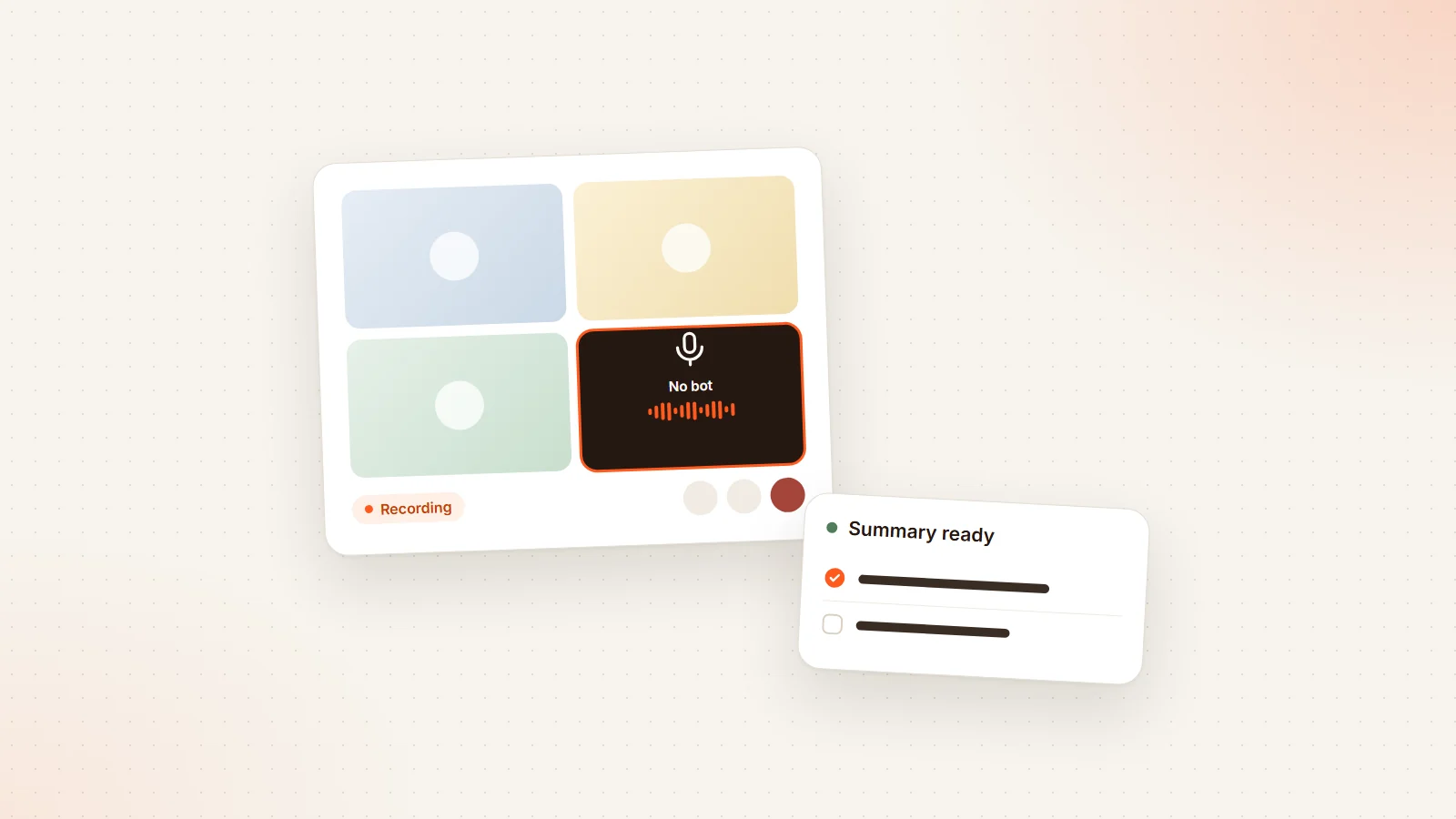
Short answer: yes, you can get AI meeting notes without a bot joining the call. There are three ways: a desktop app that records your computer's microphone and system audio (Granola, Jamie, and the bot-free modes of Otter, Fireflies, Fathom, tl;dv and Read.ai), a browser extension that transcribes the call in your browser (Tactiq), or the meeting platform's built-in AI (Zoom AI Companion, Gemini in Google Meet, Copilot in Teams). For in-person meetings, a phone app does the same job. What you give up is usually speaker accuracy, and what you take on is telling people yourself, because nobody sees a recorder join.
A notetaker bot is the most common way AI note takers work: it joins Google Meet, Zoom or Teams as a participant, records the audio and turns it into a transcript and summary. It is also the most common complaint. Clients ask what the extra tile is, IT teams block unknown bots, and team calls fill up with several notetakers.
So the question "is there an AI note taker without a bot?" is fair, and the answer is yes. This guide explains how botless capture works, how it compares with a bot, how people tend to feel about invisible recording, what the consent rules say, and which option fits which situation. Product facts were checked on vendors' official pages in October 2026.
How AI note takers capture a meeting: bot vs botless
| Method | How it gets the audio | Who can see it | Examples |
|---|---|---|---|
| Meeting bot | Joins the call as a participant through the platform | Everyone, in the participant list | Otter, Fireflies, Fathom, tl;dv, Read.ai, Avoma, Libranotes |
| Desktop app | Records your microphone plus your computer's system audio | Only you, unless you tell people | Granola, Jamie, bot-free modes of Otter, Fireflies, Fathom, tl;dv, Read.ai |
| Browser extension | Transcribes the meeting inside your browser tab | Only you, unless you tell people | Tactiq |
| Built-in platform AI | The meeting platform itself transcribes and summarizes | Everyone, through the platform's own indicator | Zoom AI Companion, Gemini in Meet, Copilot in Teams |
| Phone or browser microphone | Records the room | Everyone in the room can see the device | Most note takers' mobile apps, Libranotes in-person recording |
The key difference is not the AI. It is where the audio comes from. A bot receives the meeting through the platform, often with each speaker's audio and name. A desktop app hears what your computer hears: your voice through the mic, everyone else mixed together through the speakers.
Pros and cons of a meeting bot
Pros
- Visible by design. The bot shows up in the participant list with a name, so everyone knows something is recording.
- Better speaker labels. Because it is a participant, a bot can often see who is speaking.
- Nothing to install. It works from your calendar; you do not even need to attend for it to record.
- One record for everyone. The notes belong to the meeting, not to one person's laptop.
Cons
- Social friction. Some clients find an extra participant off-putting, especially in sensitive or early-stage conversations.
- Platform gatekeeping. Microsoft Teams now detects external bots and, by default, holds them in the lobby until the organizer admits them, even in meetings where people normally bypass the lobby. Google Meet lists detected bots in a separate "with potential risks" section that the host has to admit. A bot nobody admits records nothing.
- Bot pile-ups. When several attendees each use their own notetaker, the call fills with bots.
- IT policy. Some companies block third-party bots entirely.
Pros and cons of botless note takers
Pros
- No extra participant. The call looks exactly like a normal call.
- Works where bots are blocked. If the host or IT will not admit bots, a desktop app still hears the call.
- Works on almost anything. Granola says it can transcribe any call that plays through your computer, and Fireflies' desktop app also lists phone calls, WhatsApp, FaceTime and in-person conversations.
- Often no audio file kept. Granola's desktop app does not store audio, only the transcript, and Fireflies' bot-free mode does not save audio or video files.
Cons
- Weaker speaker labels. Fireflies' guide says bot-free recordings show "Speaker 1, Speaker 2" instead of names. Granola falls back to "Me" and "Them" when its speaker tags are not available, and cannot tell apart several people sharing one device.
- Only what your computer hears. If your audio drops, the notes drop with it. If you leave early, the recording ends with you.
- Software to install and approve. Desktop apps need microphone and system audio permissions, which many company laptops restrict.
- Usually less output. Read.ai describes its desktop record mode as audio only, without video, and some analytics need the bot.
- The consent burden moves to you. Nobody can see that you are recording, so nobody is reminded.
How do people feel about recording meetings without a bot?
There is no single answer, and we will not invent a survey number. But the reactions are predictable once you look at what changes.
A bot is a disclosure. Even people who dislike it know where they stand. A botless recorder removes that signal. For many internal meetings nobody minds, because the team already agreed that notes are taken. In external calls, interviews, performance conversations or anything sensitive, finding out later that a call was transcribed without a word can damage trust more than any visible bot would have.
The practical rule is simple: botless should mean no extra participant, not no disclosure. Say it at the start ("I'm using an AI note taker so I can focus, is that OK?"), put a line in the invite, and stop if someone objects. Some tools help: Granola can post an automated message in the meeting chat that everyone sees.
Is it legal to record a meeting without a bot?
The law does not care whether there is a bot. It cares whether the people being recorded consented, or at least were told. This is general information, not legal advice; check the rules for where you and your participants are.
- United States. Federal law and most states follow one-party consent: a participant may record a conversation they are part of. Roughly a dozen states require the consent of all parties, including California, Florida, Illinois, Maryland, Massachusetts, Pennsylvania and Washington, and some apply this only to phone calls or only to in-person conversations. In a call across states, the safest approach is to treat it as all-party consent.
- European Union (GDPR). Recording and transcribing a meeting is processing personal data. You need a lawful basis (often legitimate interest or consent), and Article 13 requires people to be informed at the time the data is collected: what is recorded, why, and how long it is kept. In employment settings, consent is often not considered freely given, so many companies rely on a documented policy instead.
- Your workplace and industry. Company policies, works councils and sector rules (health, finance, legal) can be stricter than the law.
In practice, the same habit covers all of these: tell everyone at the start, and give them a real chance to say no.
AI note takers without a bot: the options
Desktop apps
- Granola is a Mac and Windows app that uses your microphone and system audio, with no meeting bot. You type rough notes and it expands them with the transcript after the call. It lists 31 languages on desktop and 17 on mobile, and names speakers on Google Meet, Zoom and Teams from the platform's display names. The free plan keeps 30 days of history.
- Jamie runs on your device with no meeting bot, on Windows, macOS and iOS, and its site says it captures in-person meetings from a laptop or phone. Its pricing page lists 99+ languages and a free plan with 10 AI notes a month and a 30-minute limit per meeting.
- Bot-free modes of bot-based tools. Otter (desktop app for Mac and Windows), Fireflies (desktop app for Mac and Windows), tl;dv (free desktop app for Mac and Windows), Read.ai (Windows 10+ and macOS 14+) and Fathom (on Mac, with Windows listed as coming soon) can all record without a bot. Their default is still the bot, so you choose bot-free per meeting or in settings.
Browser extension
- Tactiq is a Chrome and Edge extension that gives live transcripts "without an AI bot joining the meeting", according to its site. It supports Google Meet, Zoom and Teams; for Teams it works in the browser and the Teams web app, not the Teams desktop app. The free plan includes 10 transcripts a month.
Built-in platform AI
- Zoom AI Companion is included with paid Zoom accounts. Zoom announced meeting summaries in 36 languages (preview) in February 2024.
- Gemini "Take notes for me" in Google Meet needs an eligible Workspace edition and works in eight languages, one at a time.
- Copilot in Teams needs a Microsoft 365 Copilot license and supports eight languages.
These have no bot and no install, and they are visible to everyone. Their limit is that each works only on its own platform. For more, see our guides to Google Meet recording and transcripts and Teams recording and transcripts.
Phone or browser for in-person meetings
For a meeting around a table, a bot was never an option. A phone or laptop in the middle of the table, with an app that transcribes and labels speakers, does the job. Our guide on how to record an in-person meeting covers placement, sound checks and consent.
Which one should you use?
| Situation | Best fit | Why |
|---|---|---|
| External client calls | Visible bot or built-in AI | Everyone sees it, and you get better speaker names |
| Host or IT will not admit bots | Built-in AI, or a desktop app with clear disclosure | No participant to admit |
| Your own internal calls, personal notes | Desktop app (Granola, Jamie) | Fast, no extra participant |
| You join from a locked-down laptop | Bot, or built-in AI | Nothing to install |
| Calls on several platforms | Bot or desktop app | Built-ins only cover their own platform |
| In-person meetings | Phone or browser recording | No call to join |
| Sensitive HR, legal or health conversations | Ask first; often no recording | Consent and policy come before tools |
| You need accurate "who said what" | Bot | Platform speaker data |
How to take botless notes without surprising anyone
- Add a line to the calendar invite: "AI notes will be taken in this meeting."
- Say it out loud in the first minute and pause for objections
- Use the tool's chat message or notification if it has one
- Stop recording if anyone asks, and delete what you captured
- Share the notes with everyone who was in the meeting, not only with yourself
- Check your company's recording policy before using a desktop app on work calls
- For calls with people in all-party consent places, get explicit agreement
Where Libranotes fits
Libranotes is a bot-based note taker, and that is a deliberate choice: the notetaker joins Google Meet, Zoom and Microsoft Teams as a visible participant, so everyone in the call can see that notes are being taken. There is no desktop app and no botless capture of online calls. If you need notes with no participant in the call, one of the tools above is a better fit.
What we do to reduce bot fatigue: on the Team plan, one shared notetaker joins per meeting instead of one per person, and you can skip any meeting or a whole recurring series. For meetings where a bot is not allowed, you have two options: record in person from your phone or browser microphone, with nothing to install, or record with the platform's own recorder and upload the audio or video file to be transcribed. Either way you get a transcript with speaker labels, a summary, decisions and action items in 32 languages, and the audio is deleted once the transcript is produced. See the pricing page for plans, or sign up.
Conclusion
AI note takers without a bot are real and useful: desktop apps, browser extensions and built-in platform AI all give you notes with no extra participant in the call. They trade some speaker accuracy and convenience for a cleaner call, and they move the duty of telling people from the bot to you. Pick the method that fits the meeting, not the one that hides best, and say out loud that notes are being taken. For help choosing between specific tools, see our comparison of Otter.ai alternatives.
Frequently asked questions
Is there an AI note taker that doesn't join the meeting?
Yes. Desktop apps such as Granola and Jamie record your microphone and system audio with no bot in the call, Tactiq works as a browser extension, and Zoom AI Companion, Gemini in Google Meet and Copilot in Teams are built into the platforms. Otter, Fireflies, tl;dv, Read.ai and Fathom also offer bot-free desktop modes.
How do AI note takers work without a bot?
A desktop app captures what your computer hears: your microphone for your voice and system audio for everyone else, then transcribes and summarizes it. A browser extension transcribes the call inside your browser tab. Built-in AI is run by the meeting platform itself.
Is it legal to record a meeting without a bot?
A bot does not change the law; consent does. In the US, federal law and most states require one party's consent, but roughly a dozen states, including California and Florida, require everyone's. Under GDPR you need a lawful basis and must inform people when data is collected. Telling everyone at the start covers most cases. This is not legal advice.
Do participants know if I use a botless note taker?
Not unless you tell them or the tool tells them. A desktop app or extension is invisible in the call. Some tools help: Granola can post a message in the meeting chat, and Google Meet notifies everyone when Gemini's Take notes for me is on.
Are botless note takers less accurate?
Transcription can be just as good, but speaker labels are often weaker. Fireflies' bot-free mode labels speakers as Speaker 1, Speaker 2, and Granola falls back to Me and Them when its speaker tags are not available. Bots usually get speaker names from the platform.
Why won't my notetaker bot get into the meeting?
Meeting platforms now screen bots. Microsoft Teams detects external bots and, by default, keeps them in the lobby until the organizer admits them. Google Meet lists detected bots in a separate section the host has to admit. Ask the host to admit it, or use a botless or built-in option.