 libranotes
Otter.ai Alternatives: 8 Tools Compared by Why You Are Switching
Most people do not leave Otter.ai because it is bad. They leave because of one specific limit: six languages, minute caps, bots, seat prices or sharing. Here is which alternative fits which reason, with verified prices and free plans.
 Libranotes team13 min read
On this page
Short answer: the best Otter.ai alternative depends on why you are leaving. For meetings in languages Otter does not cover, look at Fireflies (100+ languages), Fathom (38 transcription languages) or Libranotes (32 languages). For a generous free plan, Fathom records unlimited meetings for free. For notes without a bot in the call, Granola is a desktop app with no bot at all (and Otter itself now has a bot-free desktop app). For sales teams, look at Avoma (conversation and revenue intelligence add-ons) or Fathom Business (CRM sync). If your company already pays for Zoom, Google Workspace or Microsoft 365 Copilot, try the built-in AI notes first.
Otter.ai is one of the best known AI note takers, and for English meetings it is a solid tool. The people searching for an alternative usually have one concrete problem with it, not a general dislike. So instead of ranking tools from one to ten, this guide groups them by the reason you want to switch, then gives you a table, a short profile of each option and two head to head comparisons (Otter vs Fireflies, Otter vs Granola).
Every fact below comes from the vendors' own pricing pages and help centers. Prices checked October 2026, USD per user per month, monthly billing first and the annual equivalent in brackets. Prices and limits change often, so confirm on the vendor's page before you buy.
Why people look for an Otter.ai alternative
These are the five reasons that come up again and again, each tied to something Otter publishes about itself.
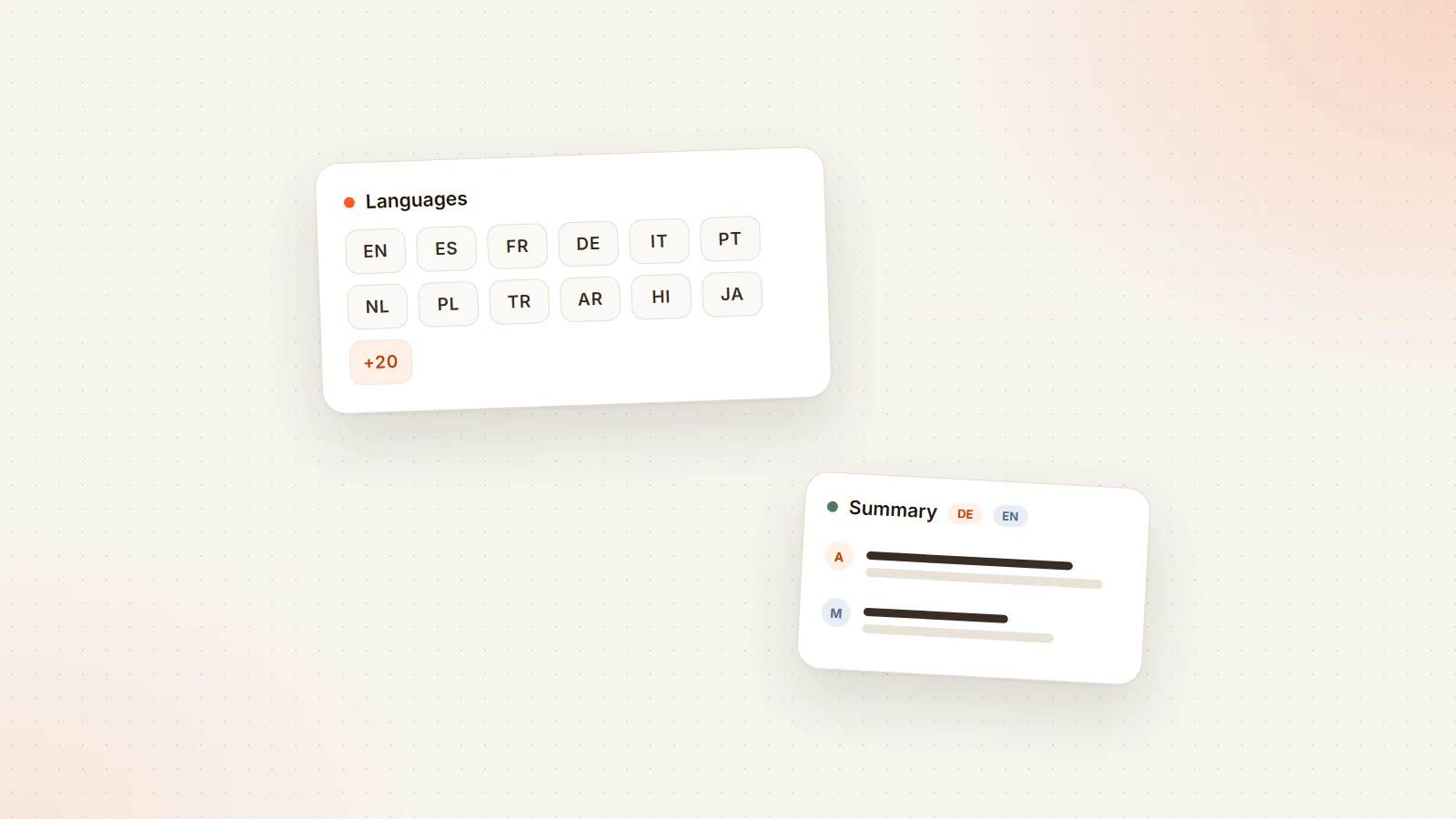
- Languages. Otter's pricing page lists AI transcription in six languages: English, Spanish, French, German, Japanese and Chinese. A meeting in Italian, Portuguese, Dutch, Polish, Turkish, Arabic or Hindi is not covered. We go deeper on this in Otter.ai languages.
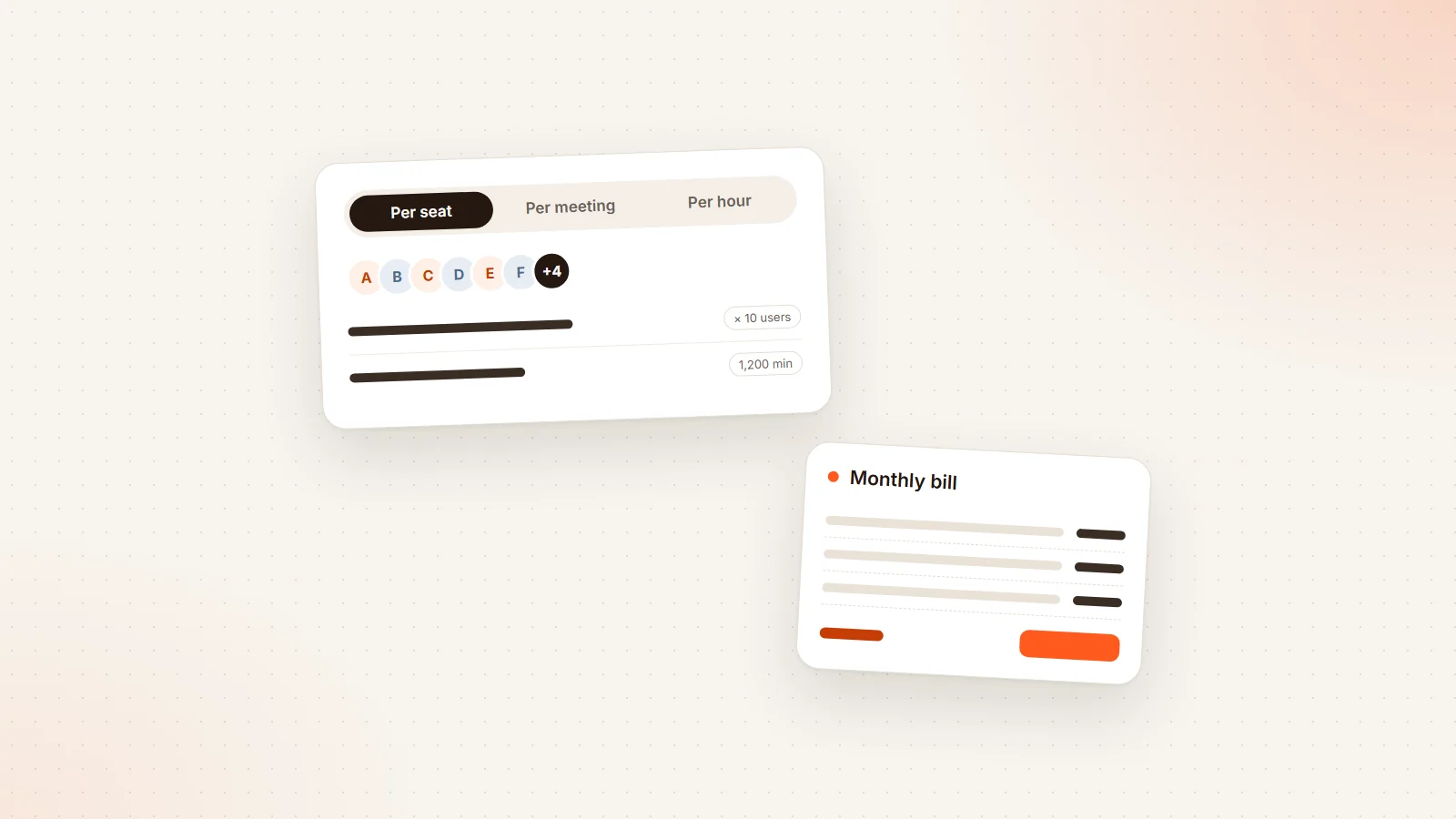
- Minute caps. The free Basic plan includes 300 transcription minutes a month and 30 minutes per conversation. Pro includes 1,200 minutes a month and up to 90 minutes per meeting. A workshop day or a busy planning week can hit those limits.
- Bot fatigue. By default Otter joins calls as a notetaker bot. Some clients dislike an extra participant, and when three colleagues each bring their own notetaker, the participant list fills up with bots. Otter now offers a bot-free desktop app for Mac and Windows, so this reason is weaker than it used to be.
- Price per seat. Pro is $16.99 ($8.33 annual) for up to 5 billed users. Business, which removes the monthly minute cap, is $30 ($19.99 annual). For a growing team, that jump matters.
- Team sharing and follow-up. Teams want notes that reach people who do not have an account, action items that land with their owners, and one shared record of each meeting instead of several personal ones.
If none of these bother you, Otter may still be the right tool. If one does, the table below shows where to look.
Best Otter.ai alternatives at a glance
| Tool | How it joins | Languages | Free plan | Entry paid price | Best for |
|---|---|---|---|---|---|
| Otter.ai (reference) | Bot by default, bot-free desktop app | 6 | 300 min a month, 30 min per conversation | Pro $16.99 ($8.33) | English meetings |
| Fireflies.ai | Bot, plus bot-free desktop app | 100+ | 400 min storage per seat, limited AI credits | Pro $18 ($10) | Many languages, integrations |
| Fathom | Bot, plus bot-free modes on Mac | 38 (transcripts) | Unlimited recordings, basic summaries | Premium $20 ($16) | Strong free plan |
| tl;dv | Bot, plus bot-free desktop app | 30+ | AI notes on 10 meetings | Pro $18 (annual) | Recording library on a budget |
| Read.ai | Bot, plus bot-free desktop app | 20+ | 5 transcripts a month | Pro $19.75 ($15) | Meeting analytics |
| Granola | Desktop app only, no bot | 31 on desktop, 17 on mobile | 30 days of history | Business $14 | No bot at all |
| Avoma | Bot | 70+ | 14-day trial | Startup $29 ($19) | Sales teams, free viewers |
| Zoom AI Companion | Built into Zoom | 36 for summaries (preview) | No | Included in paid Zoom plans | Zoom-only companies |
| Gemini in Google Meet | Built into Meet | 8 | No | Workspace Business Standard and up | Google Workspace teams |
| Copilot in Teams | Built into Teams | 8 | No | Microsoft 365 Copilot add-on | Microsoft 365 companies |
| Libranotes | Bot only, no desktop app | 32 | Invite-only early access | Pro $18 | Multilingual teams, action item follow-up |
Granola's pricing page does not state whether $14 is the monthly or annual price. Language counts are each vendor's own published number, and quality varies by language, so test yours.
The alternatives, one by one
Fireflies.ai
Fireflies joins Zoom, Google Meet and Microsoft Teams as a notetaker bot and also has a desktop app for Mac and Windows that records from your computer's system audio with no bot in the call. Its help center says it transcribes and summarizes in 100+ languages, with a multi-language mode for meetings that switch languages (in beta, covering 60+ languages).
The free plan includes 400 minutes of storage per seat and 20 one-time AI credits. Pro is $18 ($10 annual), Business $29 ($19 annual). One limit worth knowing: in bot-free desktop mode, speakers appear as Speaker 1, Speaker 2 instead of named participants, according to Fireflies' own guide.
Good fit if you need many languages and lots of integrations. Watch for AI credits and storage limits on lower plans.
Fathom
Fathom's free plan is the most generous in this list: unlimited recordings and transcriptions, with instant AI summaries. Premium is $20 ($16 annual) and adds advanced summaries and AI action items. Team ($19, or $15 annual) and Business ($34, or $25 annual) need at least two users; Business adds CRM sync.
Fathom's help center lists transcripts in 38 languages, while automatic summary translation covers six (Spanish, Portuguese, German, French, Italian and Dutch). It joins as a bot by default and now offers bot-free capture modes in its Mac desktop app; Windows is listed as coming soon.
Good fit if you want to stop paying for basic notes. Watch for the gap between transcript languages and summary languages if you meet in, say, Polish or Turkish.
tl;dv
tl;dv records Google Meet, Zoom and Teams with a bot, and its free desktop app for Mac and Windows records system audio with no bot. It transcribes in 30+ languages. The free plan includes AI notes on 10 meetings; Pro is $18 per month billed annually and Business $29 billed annually.
Good fit if you want a searchable library of recorded calls at a moderate price. Watch for recording caps that vary by plan.
Read.ai
Read.ai's free plan includes 5 meeting transcripts a month. Pro is $19.75 ($15 annual) with unlimited transcripts and 100 file upload credits a month; Enterprise is $29.75 ($22.50 annual). Its pricing page lists 20+ languages. Besides the bot, Read.ai has a desktop app for Windows 10+ and macOS 14+ that records without a bot.
Good fit if you like engagement and meeting analytics on top of notes. Watch for upload credits if you transcribe many recordings.
Granola
Granola is the clearest "no bot" alternative. It is a desktop app for Mac and Windows that uses your microphone and system audio, with no meeting bot. You type rough notes during the call and Granola expands them with the transcript afterwards. Its docs list 31 languages on desktop and 17 on mobile, and the desktop app does not store audio, only the transcript.
The free Basic plan keeps 30 days of meeting history. Business is $14 per user and Enterprise $35. Speaker names come from the meeting platform's display names on Google Meet, Zoom and Teams; otherwise the transcript shows "Me" and "Them". Its mobile apps can record in-person meetings.
Good fit if you want notes without any participant appearing in the call. Watch for the consent question: nobody sees a bot, so telling people is on you. Granola offers an optional message in the meeting chat for this.
Avoma
Avoma joins as a bot and is built around sales and customer conversations. Its pricing page lists transcription in 70+ languages, a 14-day free trial and no free plan. Startup is $29 ($19 annual) per recorder seat, and viewer seats are free, so only the people who record pay. Conversation and revenue intelligence are paid add-ons.
Good fit if you run a sales team and want conversation and revenue intelligence on top of notes. Watch for add-ons, which can double the per-seat price.
Built-in AI: Zoom AI Companion, Gemini in Meet, Copilot in Teams
If your company standardizes on one meeting platform, check what it already includes before buying anything.
- Zoom AI Companion comes with paid Zoom user accounts at no extra cost. Zoom announced meeting summaries in 36 languages (in preview) in February 2024.
- Gemini "Take notes for me" in Google Meet works in English, French, German, Italian, Japanese, Korean, Portuguese and Spanish, one language at a time, and needs an eligible Google Workspace edition (Business Standard and up).
- Copilot in Teams supports eight languages (English, Spanish, Japanese, French, German, Portuguese, Italian and Chinese Simplified) and needs a Microsoft 365 Copilot license on top of Microsoft 365.
There is no bot to admit, which is a real advantage. The catch is that each one only works on its own platform, so external calls on another platform are not covered. See our guides to Teams recording and transcripts and Google Meet recording for setup details.
Which Otter alternative for which reason
| Your reason for leaving Otter | Look at first | Why |
|---|---|---|
| Meetings in other languages | Fireflies, Fathom, Avoma, Libranotes | 100+, 38, 70+ and 32 published languages |
| Mixed-language meetings | Fireflies (multi-language beta), Granola desktop, Libranotes | Each says it handles switching languages in one meeting |
| Monthly or per-meeting minute caps | Fathom, Read.ai Pro, Libranotes Pro | Unlimited recordings or transcripts on the plan named |
| You want no bot in the call | Granola, or the bot-free modes of Otter, Fireflies, tl;dv, Read.ai, Fathom | Records from your computer instead of joining |
| Lowest cost | Fathom Free, Zoom AI Companion if you already pay for Zoom | No extra spend |
| Paying for people who only read | Avoma, Libranotes | Viewers or note readers do not need a paid seat |
| Too many bots in team calls | Libranotes Team | One shared notetaker per meeting instead of one per person |
| Sales teams | Avoma, Fathom Business | Revenue add-ons, CRM sync |
Otter vs Fireflies
These two are the most common head to head comparison, and they are closer than most "vs" articles admit. Both join Zoom, Google Meet and Teams as a bot, both now have a bot-free desktop app, and their entry paid plans are close in price (Otter Pro $16.99, Fireflies Pro $18, monthly).
The clear differences are languages and limits. Fireflies publishes 100+ languages against Otter's six. Otter limits minutes (1,200 a month on Pro), while Fireflies limits storage and AI credits instead. If your meetings are all in English and you like Otter's live transcript, there is little reason to switch. If even one important recurring meeting is in another language, Fireflies covers it and Otter does not.
Otter vs Granola
This is less a feature comparison than a choice between two ways of working. Otter is a full meeting recorder: a bot (or its desktop app) captures the call, and you get a transcript, summary and shared notes, with the bot visible to everyone by default. Granola is a personal notepad that listens: there is never a bot, you write your own notes, and the AI fills in the rest after the call.
Granola wins if the bot is the problem and you want your own notes improved rather than replaced. It also covers more languages (31 on desktop). Otter wins if you want a recording-centric workflow and shared meeting records for a team. Either way, with an invisible recorder the responsibility for telling participants moves to you; our guide to AI note takers without a bot covers how to handle that.
Are there free Otter.ai alternatives?
Yes, with limits. The most useful free plans in October 2026:
- Fathom Free: unlimited recordings and transcriptions with basic summaries.
- tl;dv Free: AI notes on 10 meetings.
- Read.ai Free: 5 transcripts a month.
- Fireflies Free: 400 minutes of storage per seat and limited AI credits.
- Granola Basic: 30 days of history.
- Built-ins: free in the sense that they come with a plan you may already pay for.
For a full breakdown of how these tools charge, including seat rules and hidden limits, see AI meeting assistant pricing.
How to switch from Otter without losing a month
- Export what you need first. Download the transcripts and notes you want to keep before your Otter plan ends.
- Write down your reason for leaving. Language, caps, bots, price or sharing. Judge each candidate on that one thing first.
- Test two tools, not six. Pick a real 20 to 30 minute meeting in your usual language, with consent, and run each tool on a similar meeting.
- Check names, numbers and owners. A good transcript gets people's names, product terms and dates right, and the summary assigns action items to the right person.
- Count who really needs a seat. Often it is only the people who record.
- Start monthly. Commit to annual billing after a month of real use.
Where Libranotes fits
Libranotes is one of the bot-based options, so it is not the answer if you want no bot at all. It joins Google Meet, Zoom and Microsoft Teams as a notetaker from your Google Calendar, an ICS feed or a pasted link. There is no desktop app and no botless capture of online calls.
Where it differs from Otter: summaries, decisions and owner-assigned action items in 32 languages, including mixed-language meetings in one pass; action items emailed to their owners with accept and complete buttons and reminders, no account needed; notes shared by link or email without a login; and on the Team plan, one shared notetaker per meeting instead of one per person. "Ask" answers questions across your meetings and documents with cited sources. Audio is deleted after the transcript is produced, and your data is not used to train models.
Pro is $18 per user per month with unlimited meetings and transcripts, Team is $32, and early access is invite-only (5 meetings a month, up to 30 minutes each). Details are on the pricing page, or you can sign up.
Conclusion
There is no single best Otter.ai alternative, only the best one for your reason to leave. If it is languages, start with the published language lists. If it is caps or cost, compare free plans and who has to pay for a seat. If it is the bot, look at Granola or the bot-free modes most tools now offer, including Otter's own. Then test two tools on one real meeting, and let names, numbers and owners decide. For a broader checklist beyond this comparison, read our AI meeting assistant guide.
Frequently asked questions
What is the best alternative to Otter.ai?
It depends on why you are leaving. For more languages, Fireflies (100+), Avoma (70+), Fathom (38) and Libranotes (32) publish far more than Otter's six. For a free plan, Fathom offers unlimited recordings. For no bot in the call, Granola is a desktop app with no bot at all.
Is there a free alternative to Otter.ai?
Yes. As of October 2026, Fathom's free plan includes unlimited recordings and transcriptions with basic summaries, tl;dv's free plan includes AI notes on 10 meetings, Read.ai's includes 5 transcripts a month and Granola's free plan keeps 30 days of history.
What is cheaper than Otter.ai?
Fathom's free plan costs nothing for unlimited recordings. Among paid plans, Granola Business is listed at $14 per user per month, and Fireflies Pro is $10 per user per month billed annually. Otter Pro is $16.99 monthly or $8.33 billed annually, so compare like with like.
Which Otter alternative is best for non-English or multilingual meetings?
Choose a tool that names your language on its published list, then test it with a real meeting. Fireflies lists 100+ languages, Avoma 70+, Fathom 38 for transcripts, Libranotes 32 and Granola 31 on desktop. Otter lists six: English, Spanish, French, German, Japanese and Chinese.
Is Fireflies better than Otter?
For non-English meetings, yes: Fireflies lists 100+ languages and Otter six. For English-only meetings they are close: both join as a bot, both have a bot-free desktop app and their entry plans cost about the same. Otter caps minutes, while Fireflies limits storage and AI credits.
Is Granola better than Otter?
Granola is better if you never want a bot in the call and prefer improving your own notes. Otter is better if you want a recording-first workflow and shared team records. Otter also has a bot-free desktop app now, but its default is a bot that joins the call.
Can Otter.ai record without a bot?
Yes. Otter launched a desktop app for Mac and Windows in October 2025 that can record meetings bot-free. The notetaker bot is still the default way it joins Zoom, Google Meet and Teams.