 libranotes
Otter.ai Languages: What It Supports and What to Use Instead
Otter.ai is one of the best known AI notetakers, but it transcribes only six languages. If your team meets in anything else, here is what to look for and how to test the alternatives yourself.
 Libranotes team7 min read
On this page
Short answer: according to its pricing page (October 2026), Otter.ai transcribes six languages: English, Spanish, French, German, Japanese and Chinese. If your meetings are in Italian, Portuguese, Dutch, Polish, Turkish, Arabic, Hindi or another language, Otter is not an option for those calls, and you need a notetaker with broader language support. Test any alternative on a real meeting before you commit.
Otter.ai is one of the best known AI notetakers, and for English meetings it is a reasonable default. The question that comes up as soon as a team works across borders is simple: does it understand the language we actually meet in?
This article answers that question with Otter's own published information, explains what the language list means in practice for multilingual teams, and gives you a short test you can run on any notetaker before you commit to it.
Which languages does Otter.ai support?
As of October 2026, Otter's pricing page lists six languages for AI transcription: English, Spanish, French, German, Japanese and Chinese. Languages outside that list are not supported for transcription.
That covers a lot of meetings in North America and parts of Europe and Asia. It leaves out many others. Here is how a few common business languages compare with Otter and with Google Meet's built-in transcripts, which have their own short list.
| Language | Otter.ai | Google Meet transcripts |
|---|---|---|
| English | Yes | Yes |
| Spanish | Yes | Yes |
| French | Yes | Yes |
| German | Yes | Yes |
| Japanese | Yes | Yes |
| Chinese | Yes | No |
| Italian | No | Yes |
| Portuguese | No | Yes |
| Korean | No | Yes |
| Dutch | No | No |
| Polish | No | No |
| Swedish | No | No |
| Arabic | No | No |
| Hindi | No | No |
| Turkish | No | No |
Sources: Otter.ai pricing page and Google's Meet transcripts help page, both checked in October 2026. Both companies add languages from time to time, so check the current lists before you decide.
Is Otter.ai free?
Otter has a free Basic plan with 300 transcription minutes per month. As of October 2026, its paid plans are Pro at $8.33 per user per month billed annually ($16.99 monthly) with 1,200 minutes per user, and Business at $19.99 per user per month billed annually ($30 monthly) with unlimited meeting recordings. Enterprise pricing is custom. Prices change, so treat these as a snapshot and check Otter's pricing page.
What the language list means in practice
A language that is not supported does not produce a slightly worse transcript. It produces a transcript in the wrong language: the model tries to hear English, Spanish or another supported language in speech that is not, and the result reads like nonsense. Everything built on the transcript, from the summary to the action items, inherits the problem.
For a multilingual team this shows up in a few predictable ways:
- The sales call with a client in Milan or Istanbul is the one with the most important commitments, and it is the one that is not covered.
- Mixed-language meetings are common: a meeting in Dutch with product names, metrics and phrases in English. A tool that handles each language on its own may still stumble when they mix.
- The summary language matters as much as the transcript language. A meeting held in Polish often needs an English summary for colleagues in another office, and the Polish team may want one in Polish.
None of this makes Otter a bad tool. It means the language list should be the first filter, not an afterthought.
How to choose a notetaker for non-English meetings
Feature lists look similar across AI notetakers. The differences that matter for non-English meetings are more specific.
- The language is on the published list. Not "AI understands every language", but your language, named, on a page the vendor maintains.
- Proper names come out right. People, companies, products and places are where transcription models fail most often, and they are also what the summary depends on.
- Borrowed terms survive. Real meetings are full of English words inside other languages: deadline, roadmap, KPI, feature names. Check that they are not mangled.
- Speakers are attributed correctly. "Who promised what" is only useful if the right name is attached. Long monologues and quick back-and-forth are both worth checking.
- Summaries come in the language you need. Ideally both the meeting's own language and English, side by side.
- Action items have owners and dates. And someone follows up on them, otherwise the notes become an archive nobody opens.
- Your data is handled the way you expect. Ask whether audio is stored, for how long, and whether your meetings are used to train models.
- Pricing fits how you meet. Per-seat pricing gets expensive when several colleagues attend the same calls; one notetaker per meeting avoids paying twice.
For a broader buyer checklist, including privacy questions to ask any vendor, see our AI meeting assistant guide. If you need a shortlist to test against this checklist, our roundup of Otter.ai alternatives compares the main options, including their language support.
A 20-minute test you can run on any notetaker
Marketing pages cannot tell you how well a tool handles your language, your accents and your vocabulary. A short test with a real meeting can.
- Pick a real meeting of 20 to 30 minutes in your language, with at least three participants and the usual mix of names, numbers and English terms. Get everyone's consent.
- Record it with each tool you are considering. Run them one at a time on different meetings of the same type if you do not want several bots in one call.
- Score the transcript on five things: names spelled correctly, borrowed terms intact, numbers and dates right, speakers attributed correctly, and no sections in the wrong language.
- Score the summary: are the decisions real decisions, does each action item have the right owner, is anything important missing?
- Ask one factual question about the meeting a week later, in the tool's search or chat, and check whether the answer points to the right moment.
| What to check | Good sign | Warning sign |
|---|---|---|
| Names | Spelled as people spell them | Replaced by similar sounding common words |
| Borrowed terms | "Roadmap", "KPI" kept as said | Turned into words from the meeting language |
| Speakers | Right name on long and short turns | One person credited with half the meeting |
| Summary | Decisions and owners match what you remember | Suggestions listed as decisions |
| Search | Answer cites the meeting and the moment | Confident answer with no source |
Twenty minutes of checking will tell you more than any comparison table, including the one above.
Where Libranotes fits
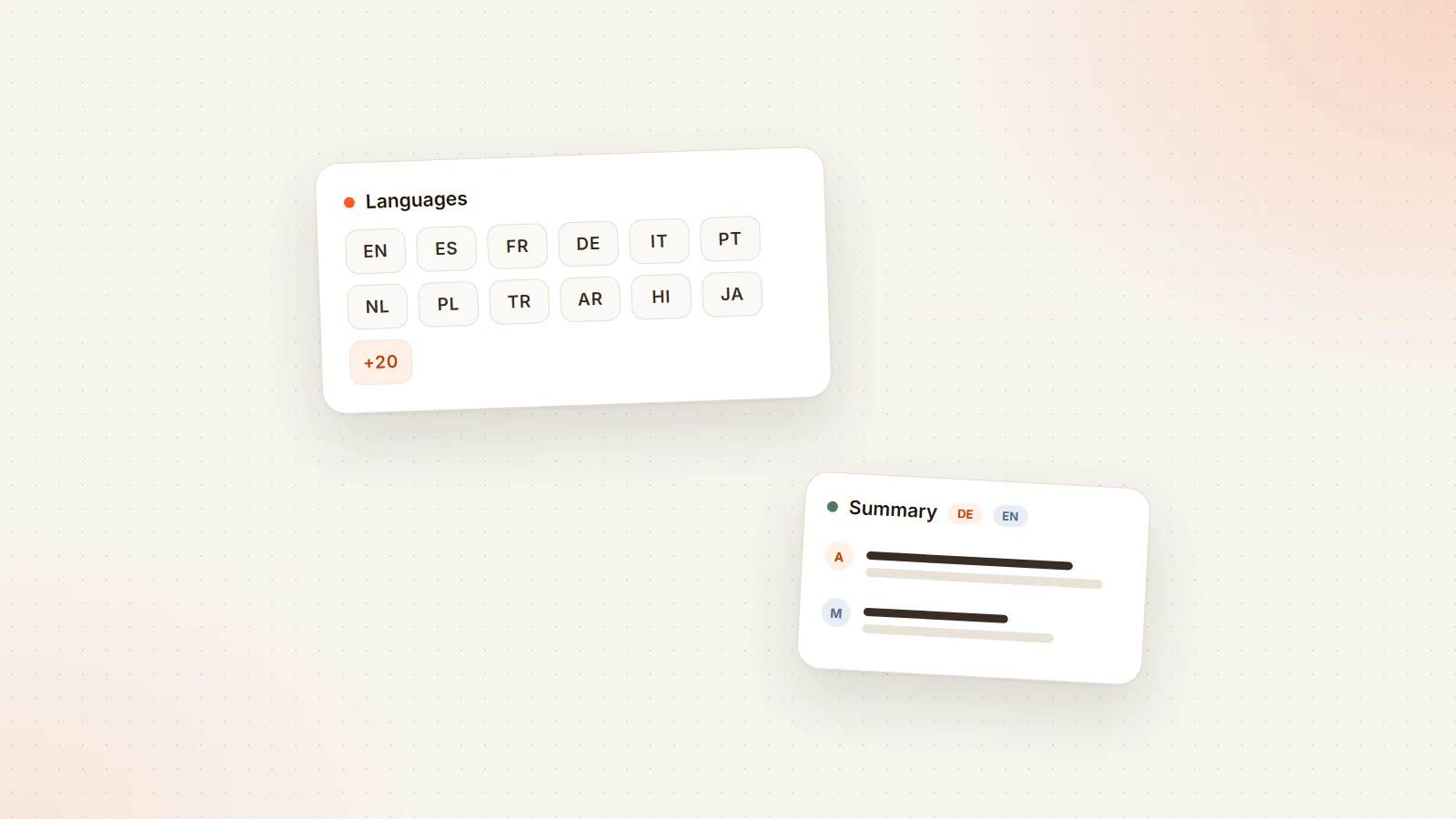
The Libranotes notetaker joins Google Meet, Zoom and Microsoft Teams calls from your Google Calendar, one notetaker per meeting even if several colleagues use it. Transcription and summaries work in more than 30 languages, including English, Spanish, German, French and Turkish, and summaries can be written in the meeting's own language plus English. Action items are emailed to their owners, who can accept or complete them from a link without an account. Audio is deleted once the transcript is ready, and your meetings are not used to train models.
Like every notetaker, it can still get an unusual name or a mixed-language phrase wrong, so the test above applies to us as much as to anyone. You can try it on your own meetings with the free early access plan; the details are on the pricing page.
If your problem is not the language but Google Meet's own recording button, read why Google Meet recording is not showing up.
Conclusion
Otter.ai supports six languages, and if your meetings happen in one of them it may be all you need. If they do not, or if your team switches between languages, the language list is the first thing to check, and a short test with a real meeting is the second. Choose the tool that gets your names, your terms and your people right, not the one with the longest feature list.
Frequently asked questions
Which languages does Otter.ai support?
As of October 2026, Otter's pricing page lists six languages for AI transcription: English, Spanish, French, German, Japanese and Chinese. Other languages are not supported for transcription.
Does Otter.ai support Italian, Portuguese or Dutch?
Not according to Otter's published list as of October 2026. Google Meet's built-in transcripts cover Italian and Portuguese but not Dutch; for other languages you need a separate notetaker.
Is Otter.ai free?
Otter has a free Basic plan with 300 transcription minutes per month. Paid plans start at $8.33 per user per month billed annually as of October 2026. Check Otter's pricing page for current prices.
How do I test an AI notetaker in my language?
Record a real 20 to 30 minute meeting with consent, then check names, borrowed English terms, numbers, speaker labels and whether the summary's decisions and owners match what was agreed.
Can I get an English summary of a meeting held in another language?
With some tools, yes. Libranotes can write the summary in the meeting's own language and in English side by side, so colleagues in other offices can read it without translating.